Guide for installing Cleanflight/Betaflight on CC3D () Flight Controller with full USB Support (only works with connected battery/Power Supply).
Only follow this instructions if you know, what you're doing. This is not for rookies...
What you need:
OpenPilot GCS:
Cleanflight (CC3D .bin) only supported until Version 1.10, later Versions don't support OPBL due to memory limitations:
*OR* Boris B. Betaflight:
STM32 VCP-Driver:
Cleanflight Configurator:
(Works with Betaflight as well)
Update (22.01.2016):
It's been a year now since I made this video. I have no setup anymore running a CC3D. I moved on to other Flight Controllers like
Naze32 Rev5 ()
or Flip32 ()
Now FC with F3-Processor become very popular and cheap. They have more USARTs, more Memory and are much faster. These are the future:
SP Racing F3 ()
Mini SP Racing F3 ()
All the above run with Cleanflight or Betaflight.
If you wanna go with OpenPilot you should try this one with F4 Processor:
OpenPilot Revolution ()
Some Tips:
Don't forget to check Motor and RX connections after cleanflight/betaflight installation (different order!!!).
If the COM-Port disappears, just click disconnect in Cleanflight. Then disconnect USB-Cable and connect again. CC3D must have external Power (Battery) connected for that, otherwise it won't work. COM-Port should appear instantly when plugging USB again and you can connect in Cleanflight again.
Because it's a Virtual COM-Port, it disappears every time the CC3D is rebooted. It's not that nice, but if you know, it's not a big problem. Didn't find any other solution by now.
See also my Video on how to update Cleanflight on CC3D:
The Typos in the Video are for your amusement ;-)
Feedback appreciated :-)
Fpvracer.lt is not the owner of this text/video/image/photo content, the real source of content is Youtube.com and user declared in this page publication as Youtube.com user,
if you have any question about video removal, what was shared by open community, please contact Youtube.com directly or report bad/not working video links directly to video owner on Youtube.com. Removed video from Youtube.com will also be removed from here.


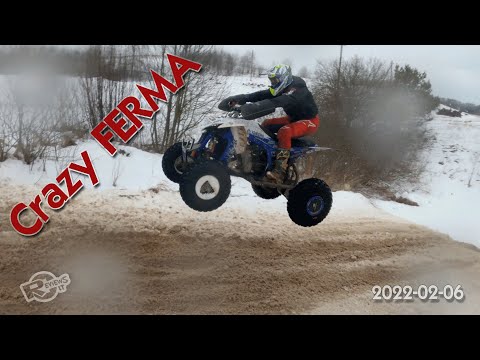 Dirt bike and quadbike event at Crazy Ferma 2022-02-06
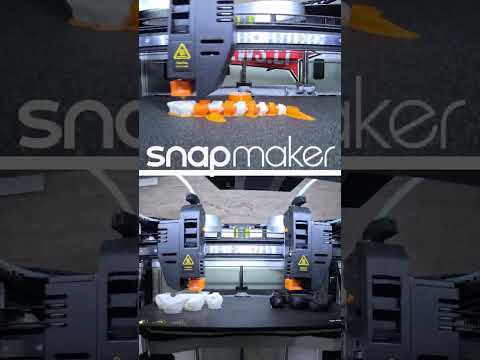 SnapMaker J1 IDEX 3d printer - double extruder workflow sample dual head print
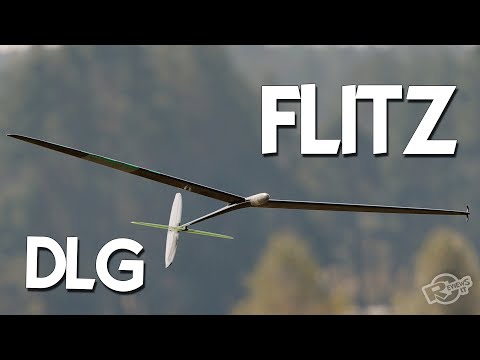 DLG - FLITZ - soaring joy!